Projector
Mirrors the laptop’s game onto the wall as the play surface.
Personal R&D · Generative AI · Vibe coding
So I vibe-coded one.
A laser pointer becomes the blade in a multiplication game projected onto a wall. Aim with your whole arm, hit the answer, and make learning feel like play.
The idea
The wall becomes the playground
The projector mirrors the game from the laptop. A phone or webcam watches the wall and finds the red dot. The laptop turns that position into an on-screen cursor, many times a second.
Dot position becomes the cursor and feeds straight back into the game.
The setup
The physical setup stayed deliberately simple. The interesting work happened in the connection between each device.
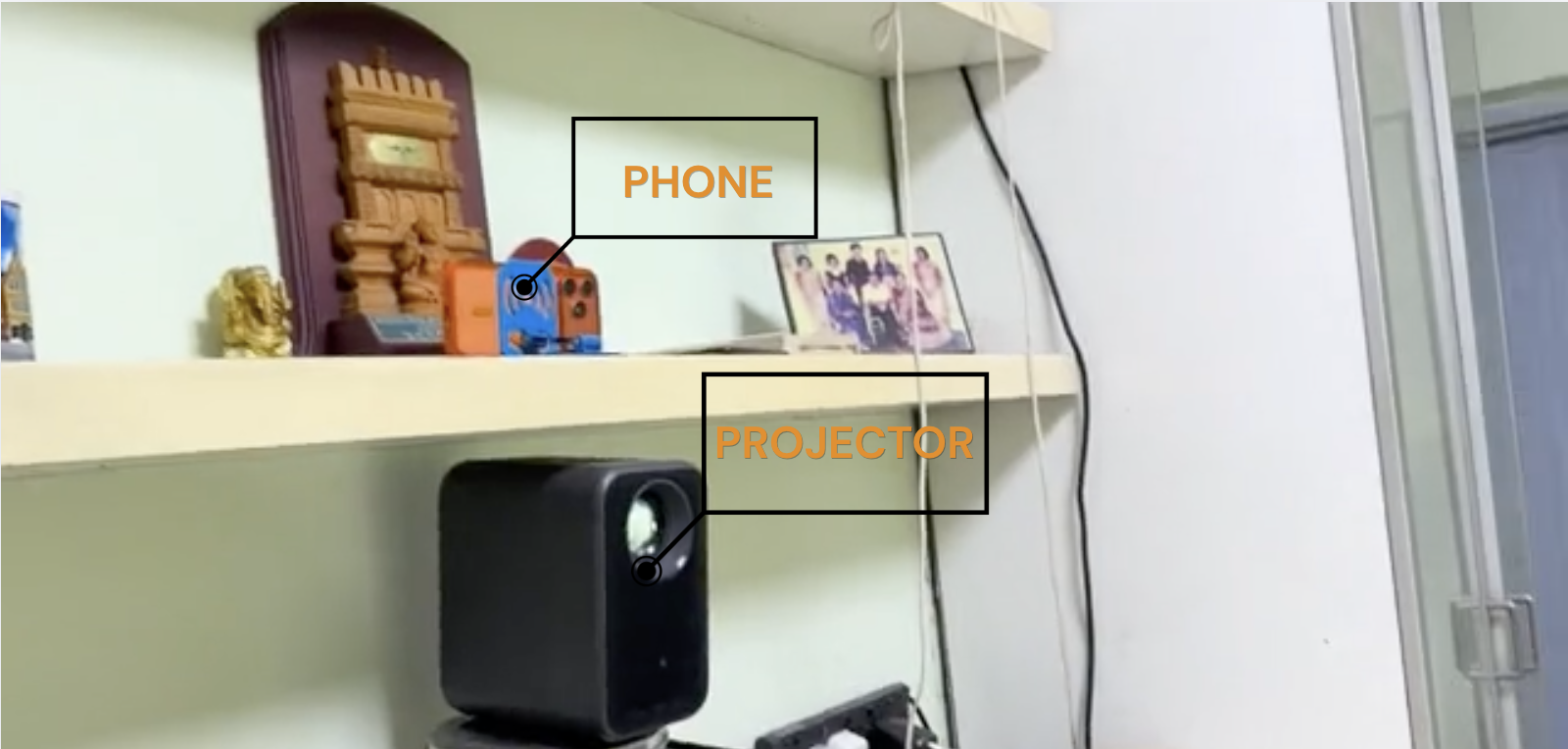
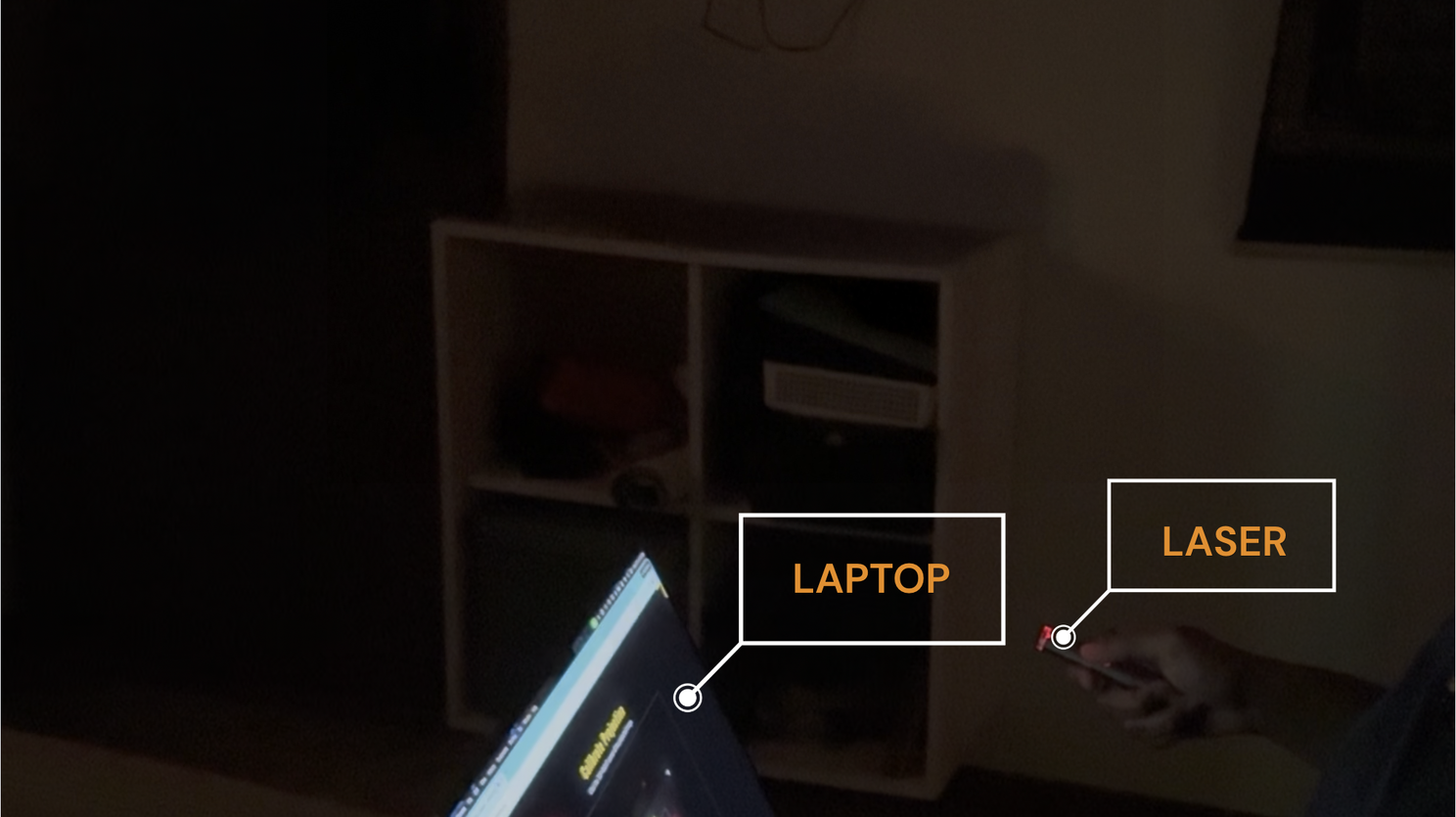
Mirrors the laptop’s game onto the wall as the play surface.
Tracks exactly where the red dot lands.
Runs the game, camera tracking and calibration math.
Its red dot becomes the tip of the lightsaber.
Calibration
The hard part
The camera sees much more than the projected game. It sees the whole wall and everything around it. I first had to teach the system where the projection starts and ends, then make the physical laser dot and digital cursor agree.
I tap each corner of the projected image in the camera view. That boundary tells the system which part of the wall is the game screen.
I map camera space to game space so the cursor appears in the same place where the laser lands. Getting that alignment right was ridiculously satisfying.
Why build it this way?
I work in learning design, and I wanted to make practice more immersive and playful for kids. Instead of sitting and tapping on a screen, they can stand up, move, aim and interact with the lesson.
The body stays still while the lesson happens on a small screen.
The wall becomes the play space and multiplication happens in motion.
No laser? Use your hands.
A second version uses MediaPipe to track one hand. The game asks, “What makes 24?” You pinch 4, drag it into 6, and watch 4 × 6 = 24 resolve.
You’re physically manipulating multiplication, not only looking at it.
What I love about this
A few experiments later, you’re standing in front of a wall, playing with it. That is what I love about vibe coding: the distance between a daydream and a working thing keeps shrinking.
Explore Padawan Academy on GitHub