Backlogs form quickly
The workflow had to absorb sharp bursts rather than predictable daily volume.
Science Centre Singapore · Automation · Human-in-the-loop AI
A privacy-conscious proof of concept that reduces repetitive first-pass grading work while keeping final judgement, edits and Moodle updates under educator control.
Science Centre Singapore

Challenge
During school-holiday programmes, submissions arrive across courses in a short window while educator capacity remains fixed. Each record still requires opening the response, locating any submitted image, applying the rubric, drafting feedback and returning the result to Moodle.
The workflow had to absorb sharp bursts rather than predictable daily volume.
Similar grading actions consume attention that is more valuable on exceptions and judgement.
No Python, Power Apps or custom backend. The POC had to fit PAD, local files, the approved app and Moodle imports.
How might we absorb a temporary assessment backlog without removing educator judgement or expanding the data sent to AI?
Current journey
Pull worksheet data and submission artefacts.
Locate the correct response and image.
Compare evidence with the rubric.
Prepare grade and feedback.
Return approved results to Moodle.
Users
Workflow-based proto-personas derived from the proof-of-concept context, not formal research personas.
Needs to clear a concentrated queue without giving up judgement or feedback quality.
Needs
Friction
Needs timely, understandable feedback while the learning experience is still recent.
Needs
Friction
Needs a controlled process compatible with approved systems and governance.
Needs
Friction
Design principles
AI outputs remain recommendations until an educator reviews and saves them.
Only assessment evidence and grading instructions enter AI processing.
Use the LMS export/import formats rather than requiring a new platform.
Record prompt changes and human edits so the workflow can be reviewed and improved.
Service design
Moodle & local
AI boundary
Human controlled
Sent for assessment
Kept outside the AI payload
The workflow in practice
The POC is a four-phase sequence — prepare, grade, review, return — that moves educator effort from repetitive first-pass production to verification, exceptions and final accountability.
Power Automate Desktop coordinates local preparation. The technically brittle part is preserving row integrity and matching each submitted image to the correct response before anything enters the AI-processing step. One grading record must resolve to the correct answer and image before any API request is created.
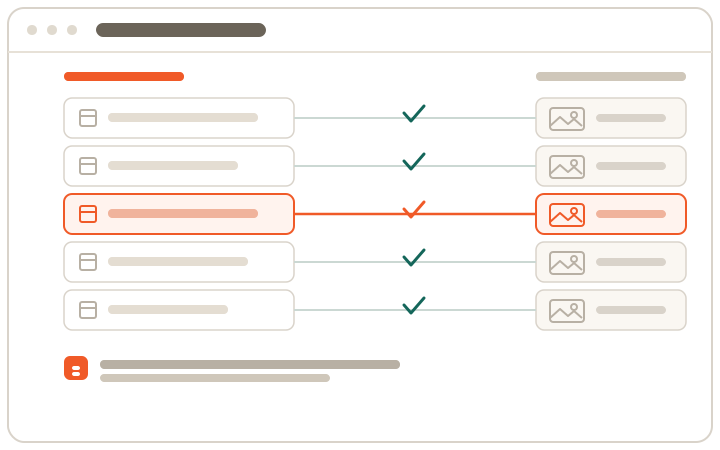
The locally run application receives the response CSV and a zipped set of submission images, then exposes the grading plan before anything runs. Only the answer text, optional image, rubric and prompt enter the payload — names, IDs, email, enrolment and LMS metadata are excluded.

The operator can check the model, limits and credentials, choose batch size and image handling, start the run and monitor progress and exceptions — rather than treating automation as a black box.
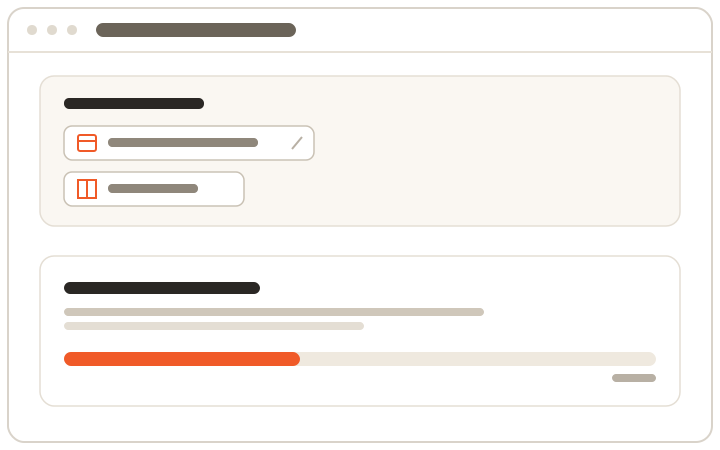
Each result is a structured proposal: a suggested grade, a rationale tied to the response and rubric, editable student-facing feedback, and a local record key used to return the reviewed result to the correct LMS row.

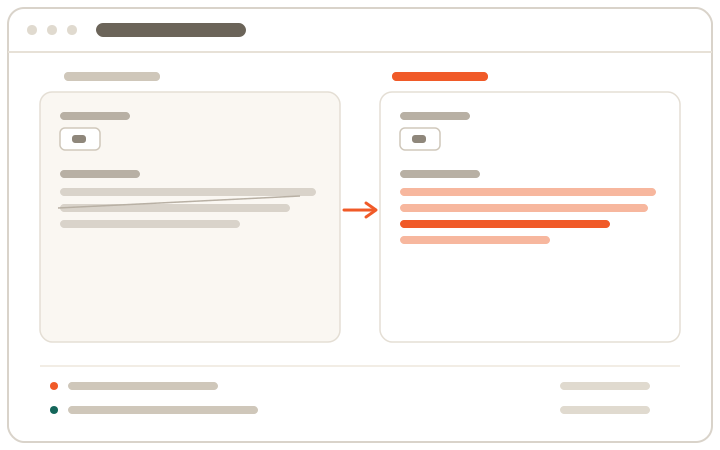
The reviewer sees the written response and associated image in one context. Grade and feedback remain editable so the educator can challenge the model rather than simply accept it.
Prompt configuration, proposed results and reviewer edits are treated as traceable workflow events. The approved result is then reformatted into Moodle’s expected offline-grading worksheet structure.
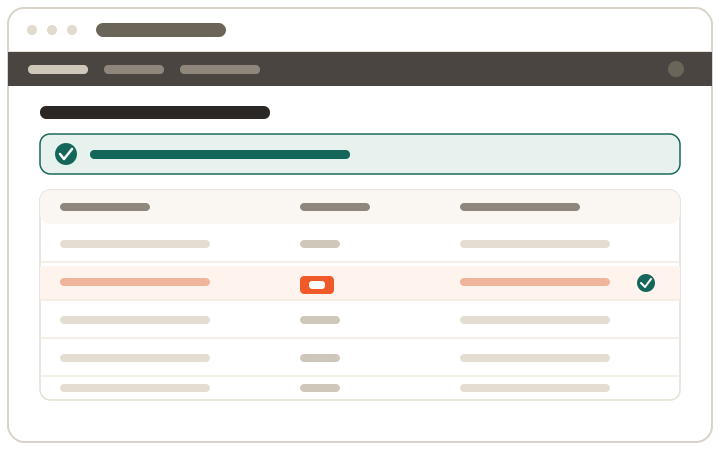
The approved result is reformatted into Moodle's expected offline-grading worksheet, selected for upload and confirmed explicitly. No unreviewed AI output is uploaded and the overwrite action stays visible, so the educator ends in the familiar LMS with clear confirmation that the human-reviewed grades have been applied.
Outcome & learning
It demonstrated a way to reduce repetitive first-pass work, keep text and image context together, preserve educator ownership and limit the information shared with the AI step.
Batch preparation and draft recommendations can reduce repeated grading actions during peak periods.
Review, editing and change-log controls make AI use visible and accountable.
Approved tools and CSV interoperability were sufficient for an end-to-end round trip.
This was a proof of concept, not a production rollout. Time savings, grading agreement, educator satisfaction and peak-period throughput still require structured validation.
Product direction
A limited pilot should test whether the workflow reduces backlog without weakening assessment quality or educator trust.
Measure manual time per submission and current turnaround.
Run one course or programme through the assisted workflow.
Track edit rate, grade agreement, feedback quality and exceptions.
Refine prompts, review navigation and error handling.
The intended outcome is not autonomous grading. It is a more resilient holiday-period assessment service where educators spend less time producing repetitive first drafts and more time applying judgement.
Reflection
The project strengthened my approach to business analysis and product design: understand the peak-load problem, respect the real constraints, minimise sensitive data and make human control visible throughout the service.